Importance of laying network cables
Network cables, despite the proliferation of wireless connections, are still in use and there is no time in sight when they will be completely phased out. Due to its data transmission speed and resistance to interference, the installation of network cables will be relevant for a long time. With the development of technology, the number of devices we use in the house, which need to be connected by network cables for their operation, also increases. Currently, in most homes, these are computers and smart TVs, but it is already certain that in the near future, other home appliances will also be managed in this way. That is why we increasingly need to install telephone, antenna, network and other plug modules as part of the installations instead of simple sockets.
What is UTP cable?
 Installation of network cables A UTP cable is a network cable used for the transmission of various data. First, there was a single-wire cable that was used to connect the landline phone to the source and thus receive a signal, and later it was used to the greatest extent for what it is today, which is as an Internet cable. However, UTP cable is not only used for these purposes, it is used in POS systems, in video systems and video surveillance for connecting cameras and transferring data and so on. As is the case with everything, UTP cables also changed their purpose, got improved versions, and among them there are two, with their additional versions, which are still used today, namely UTP cables category 5 and category 6. We must say that UTP cables are still the largest part of the network infrastructure in the world today, which means that without laying network cables, functioning is simply impossible, although we increasingly rely on online and contactless functioning between devices and numerous functions.
What should you pay attention to when installing network cables?
First of all, it is important to be aware of where you want to place the network cables from the beginning. The next step is to figure out the most efficient route between these two points to make the laying as quick and easy as possible. You should also know from the start how much energy you need. It”s best to run a faster cable than you need from the start, as re-swapping the cable can be very complicated. You should also keep in mind that you should plan the space for the network sockets. These are often the smartest ways to connect devices.
Types of network cables
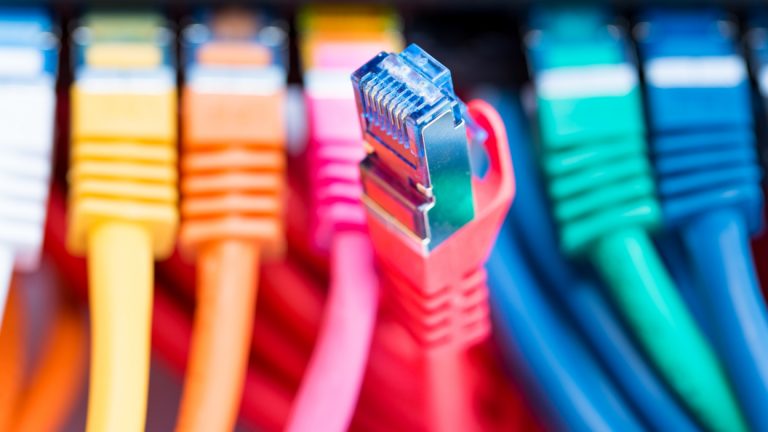
There are many different cables that can be used to set up a network. On the one hand, there are network cables that are available in different lengths and with an RJ45 connector already installed at both ends. Just plug in the cable to establish the network. There are also so-called installation cables. These cables do not have pre-mounted plugs and are therefore suitable for installation through the wall or floor. Once the installation cable is in place, either plugs or RJ45 connectors must be installed or the cable must be attached to the LSA interface. Network cables are divided into categories depending on the level of transmission speed (bandwidth) and transmission speed. The categories currently in use are Cat5e, Cat6, Cat6a and Cat7.
How to choose the right network cable?
The easiest way to choose a cable is to choose one with the range and performance you need. Start with the speed of your home internet. If you have gigabit internet, an old network cable will only slow you down. But if you have a slower connection, say 10 or 20 megabits per second, any Cat 5 or higher will do. Next, consider the speed you need for your network. This is irrelevant for most home users. But if you often use the network to transfer large files and files from one computer to another, or stream extremely high-bandwidth video content, a better network cable can make a big difference. Finally, the router is also important. Some cheap routers only support Ethernet up to 100 megabits per second, so anything newer than Cat 5 won”t work for you. Even the best home routers rarely support more than gigabit Ethernet, so the question is whether you need Cat 6a and Cat 7. The best way to find out all this is to consult with experts in the field. Also, we advise you to publish the required service on bellcom.rs. You will receive offers for the installation of network cables, and it is up to you to choose the offer that suits you best.